




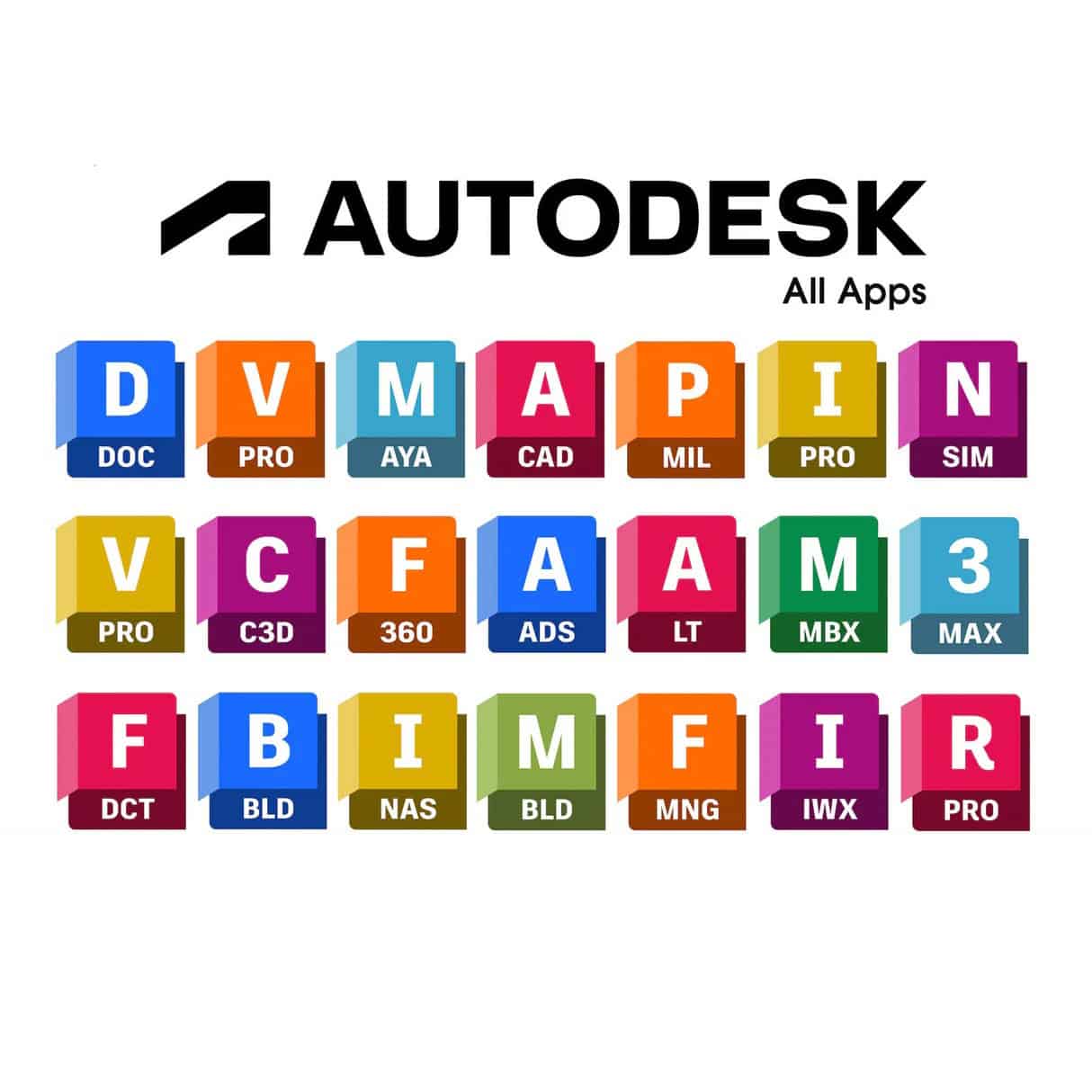
Product Activation Introduction
1-Year Fixed License
Flexible renewal · Ideal for short-term use or testing
3-Year Fixed License
Balanced choice · Great value · Mid-term stability
5-Year Fixed License
Best value · Long-term lock-in · Price protection
All Plans Include These Benefits
- ✓
Supports renewal & top-up on existing accounts - ✓
Global access – works in all countries & multi-language support - ✓
Compatible with all versions [2018–2026] - ✓
- ✓
Latest version support with online updates
You Will Receive an Official Authorization Email
100% Legitimate Activation – No Risk of Inspection or Warning Letters
Activation & Download Guide
Your subscription activates securely on YOUR own Autodesk ID — fast and easy!
Step 1: Purchase & Email Setup
Enter your email during checkout (best if linked to your Autodesk account for instant activation).
This becomes your default subscription email.
Step 2: Activation (After Payment)
- ✓
If already registered: Official activation email arrives shortly. - ✓
If not registered: You will receive a registration invitation.
Usually takes minutes — check inbox/spam.
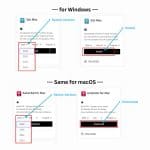
Step 3: Download & Install
- Visit :Autodesk
- Sign In → Log in with your Autodesk ID.
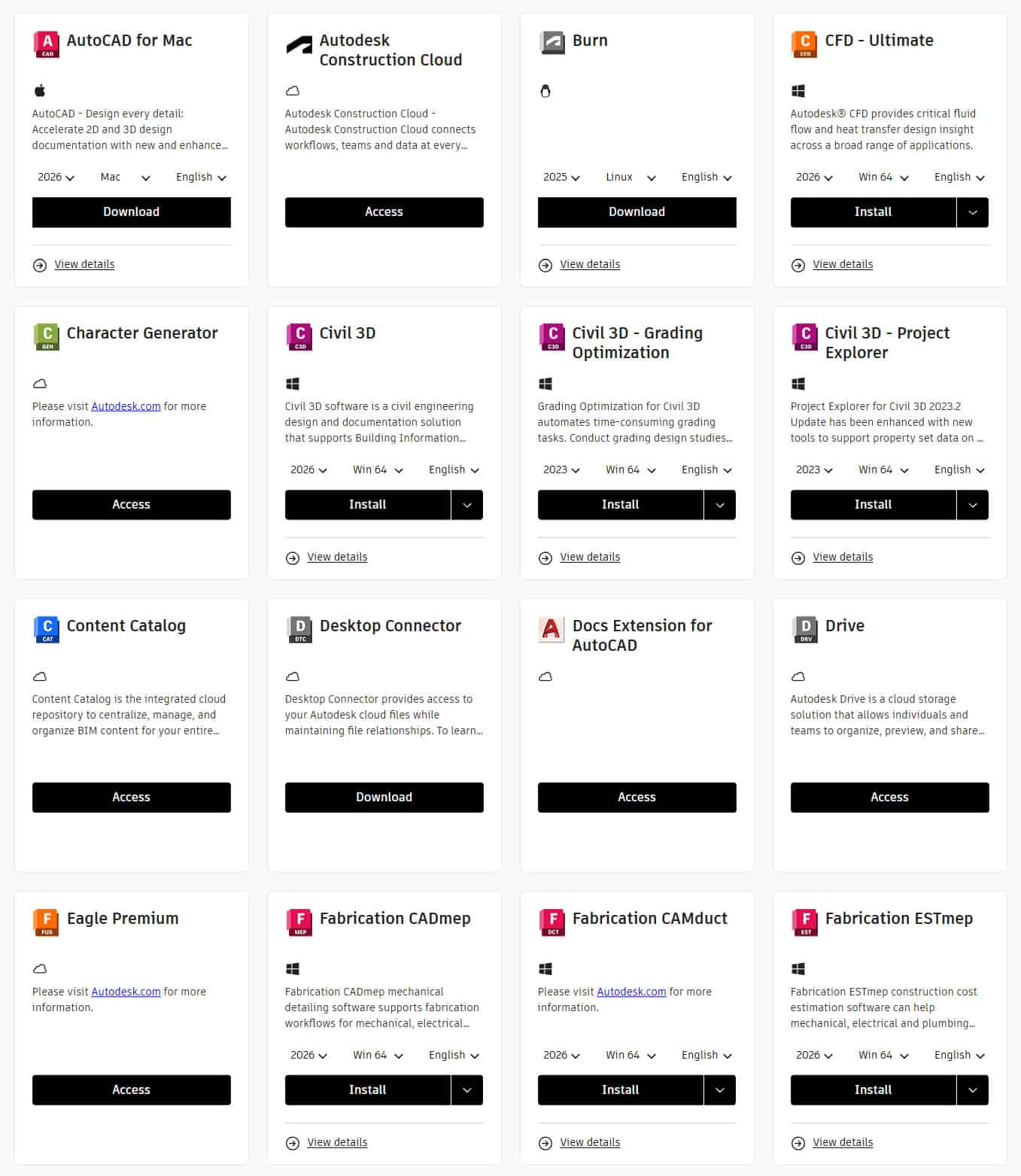
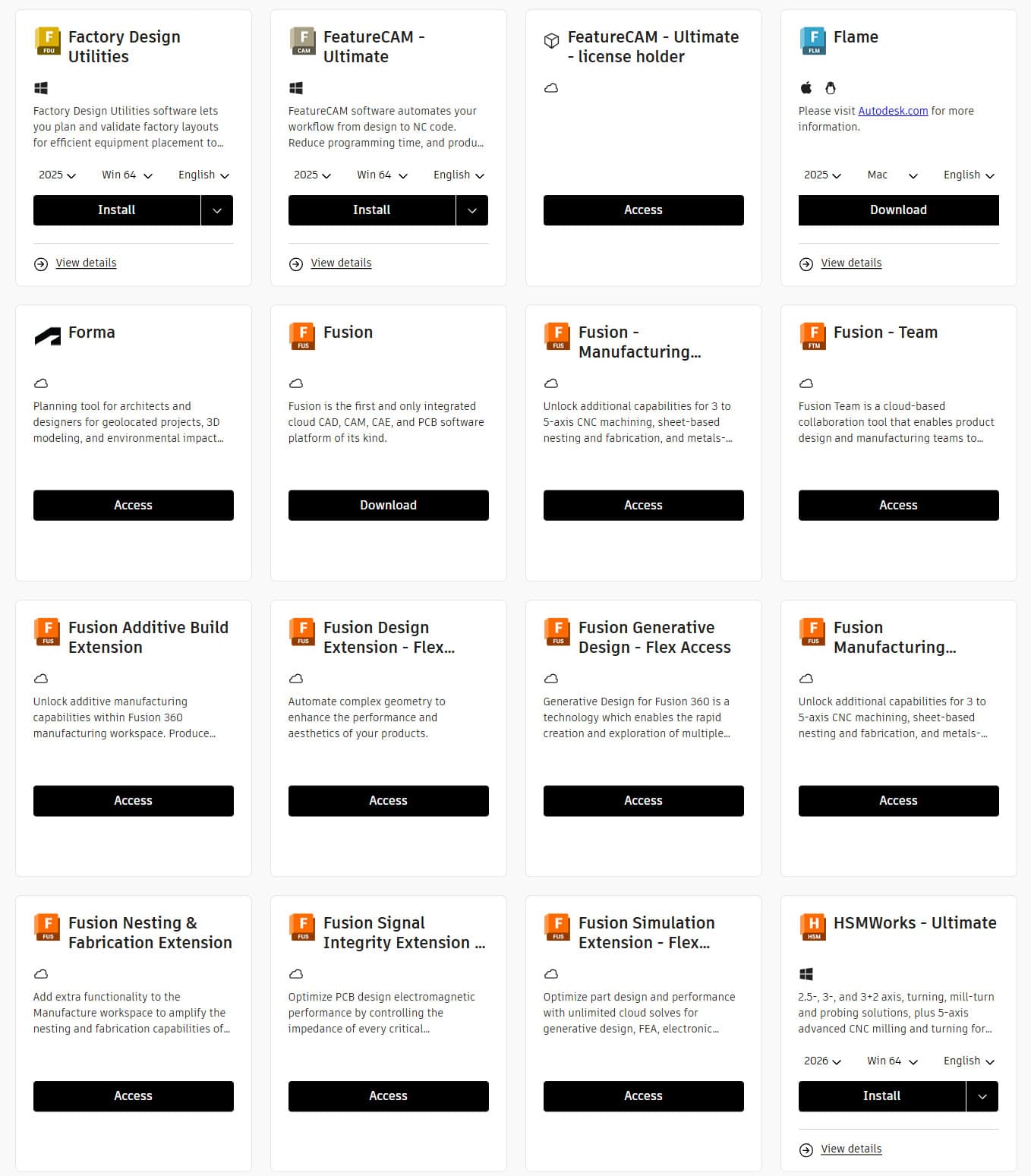
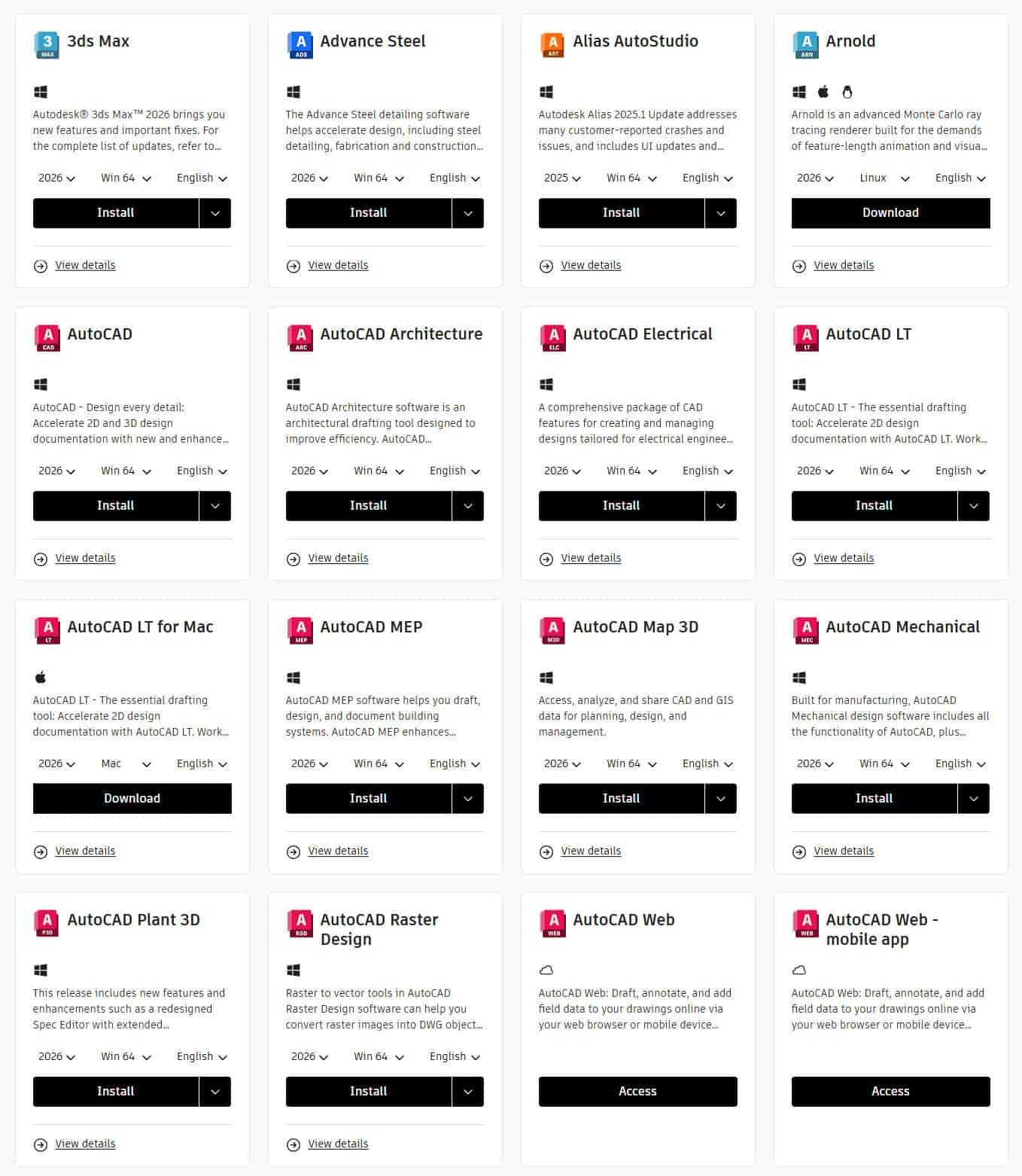
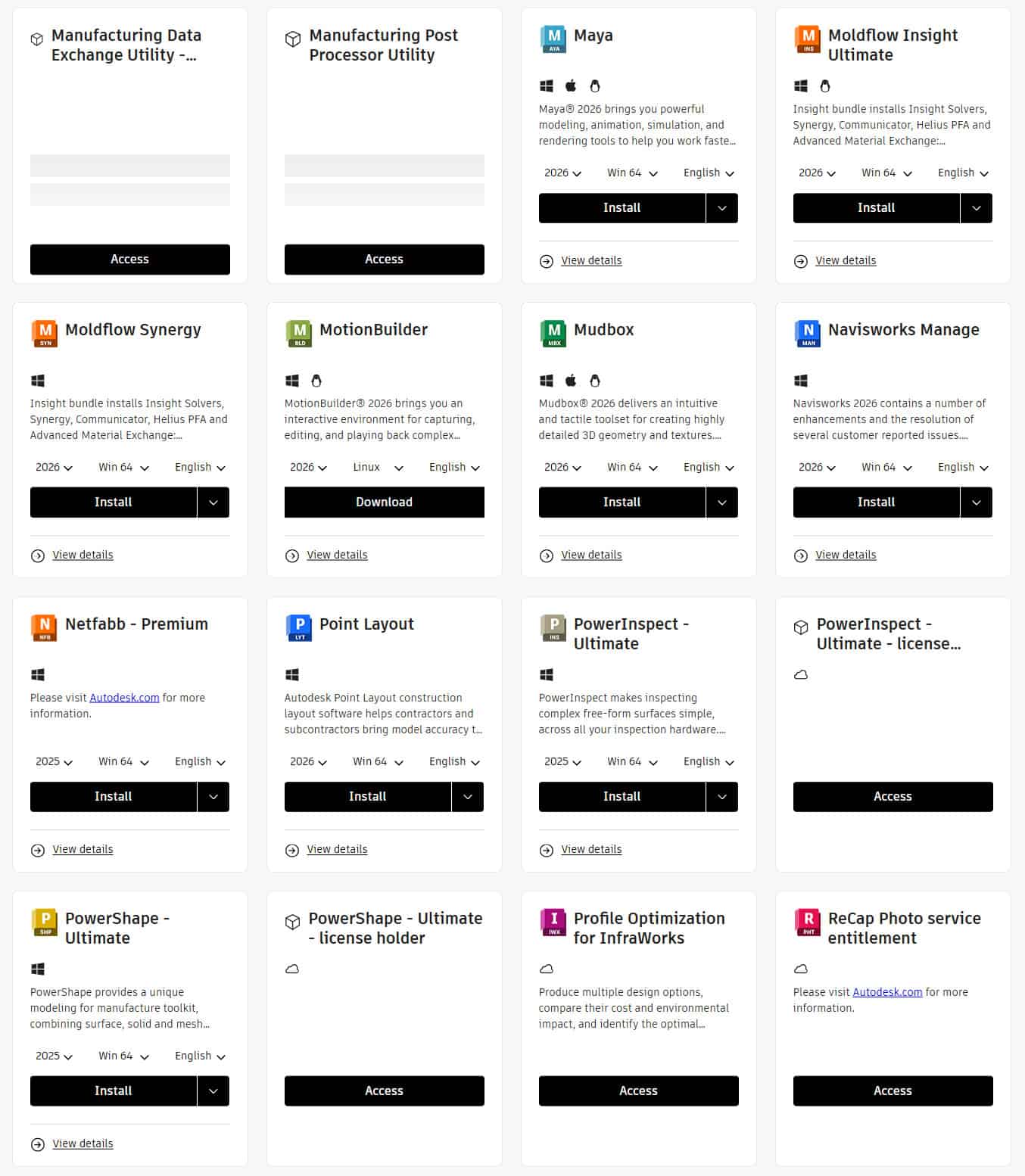
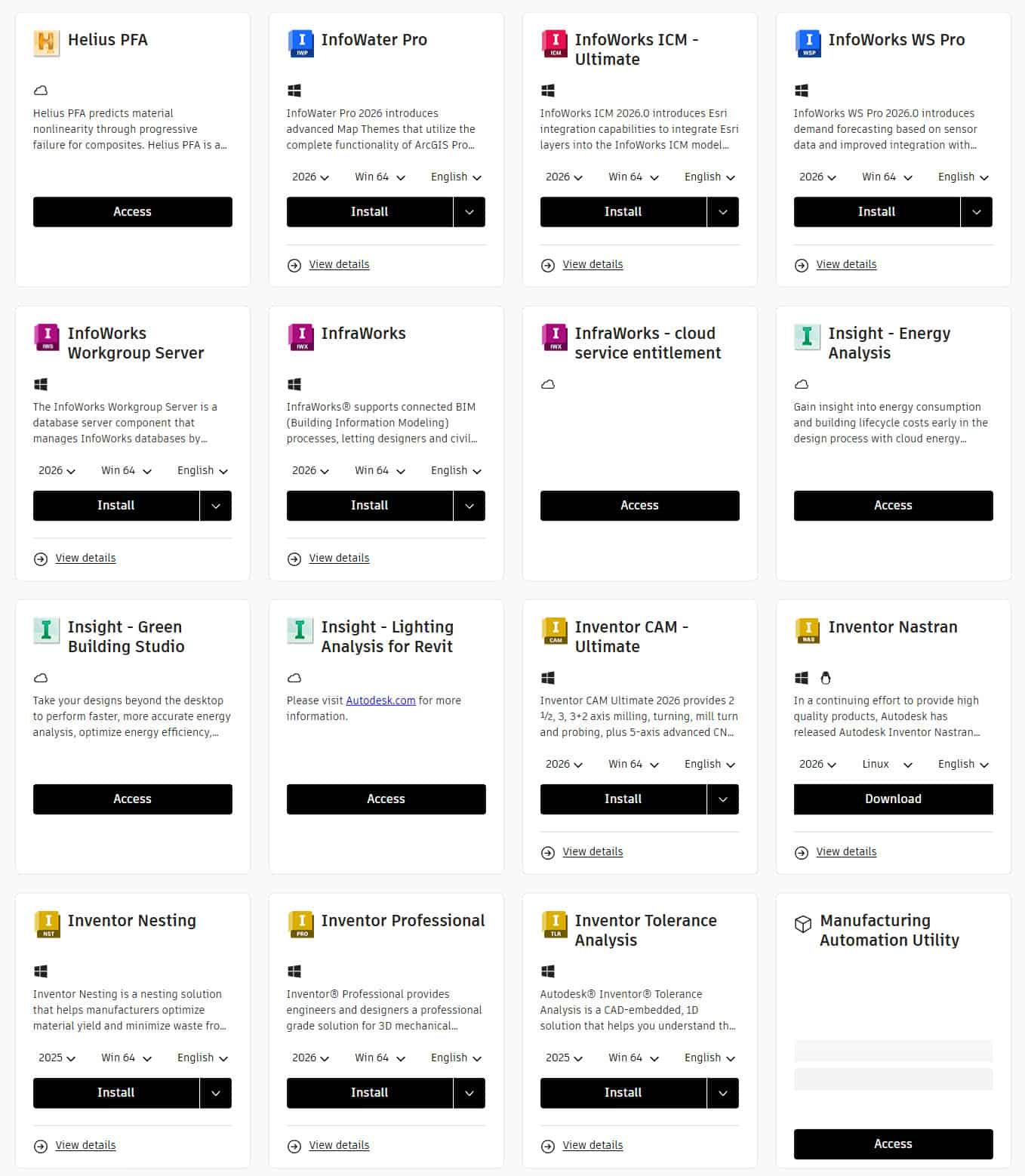
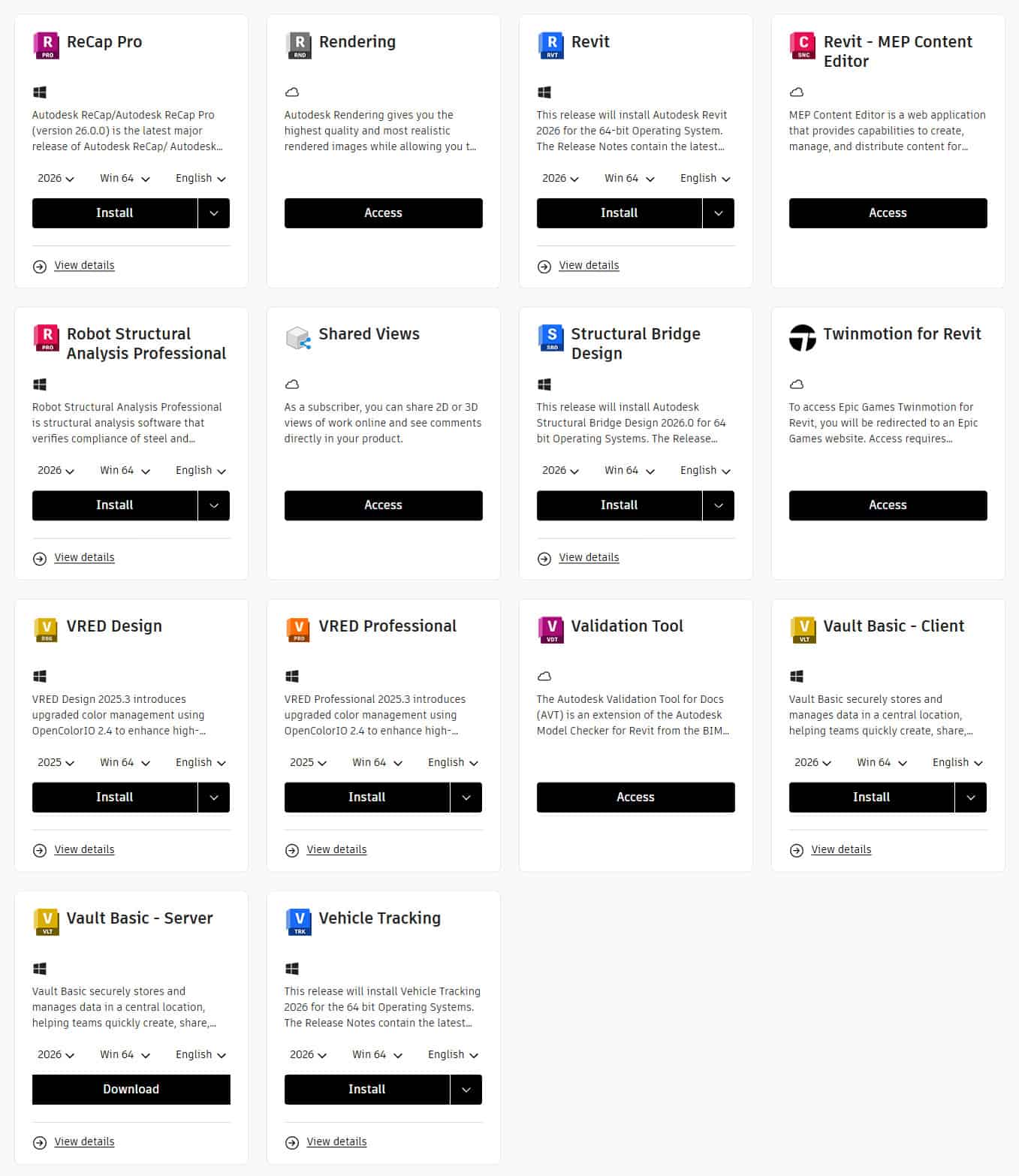
- Profile icon → Products and Services.
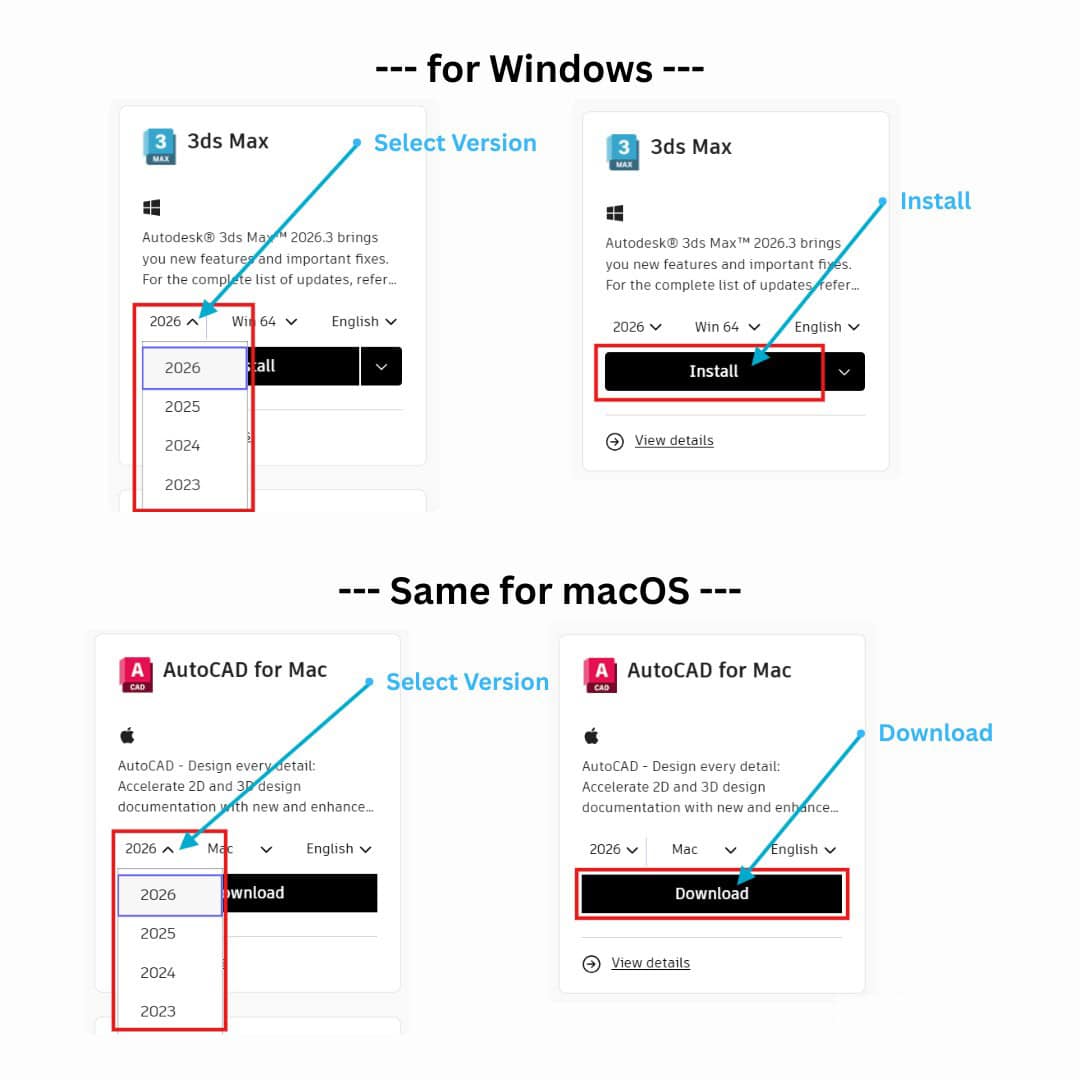
- Select app → Version (2018–2026) & language → Download/Install.
Quick Tips:
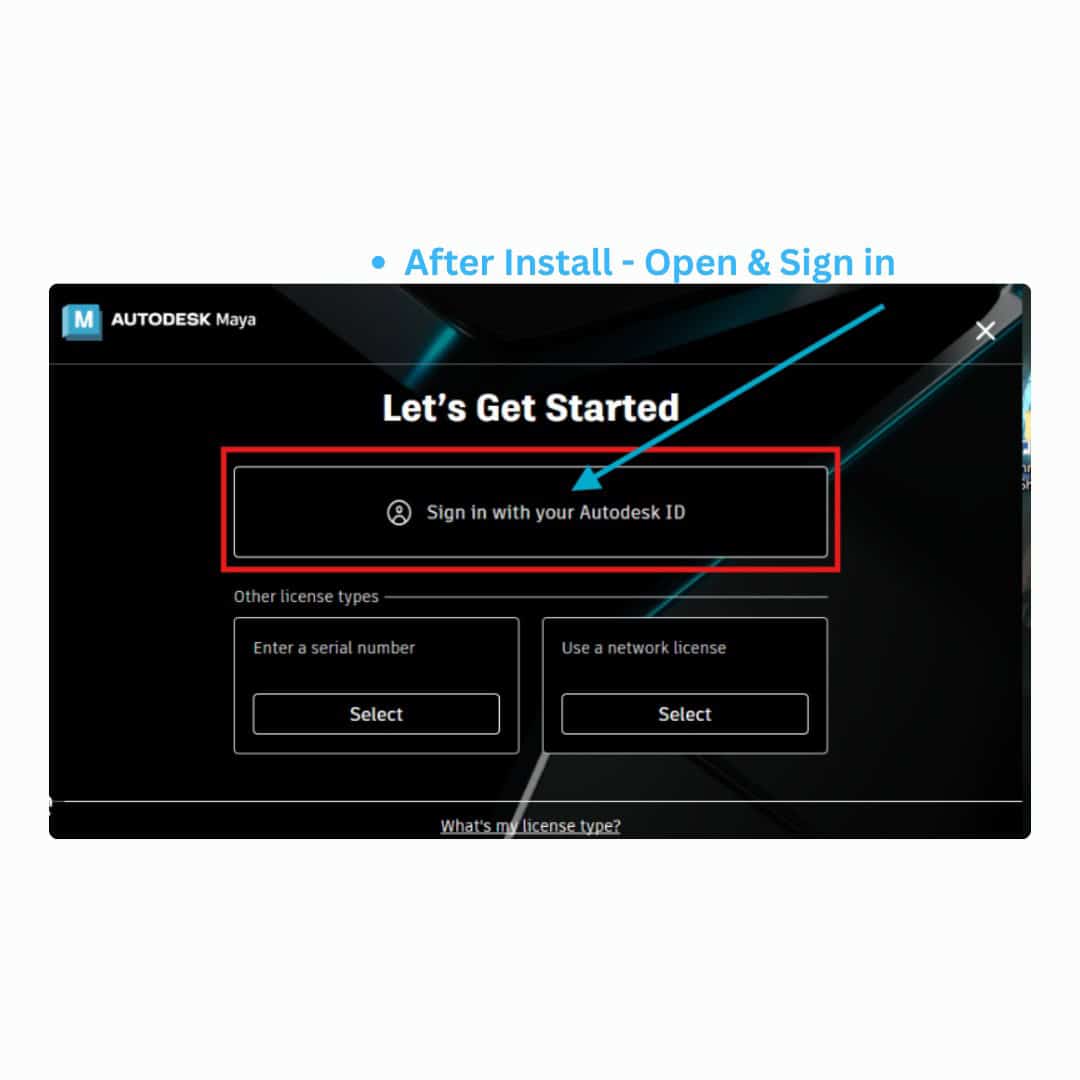
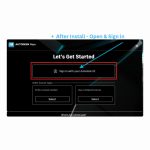
- Already installed? Launch → Sign in — auto-activates.
- Up to 3 devices: Repeat on each.
- Not showing? Refresh or wait a few minutes.
💳 No PayPal Account? No Problem!
Pay with credit/debit card as a guest — easy & secure.
1
Click “Pay with PayPal” — no account needed.
2
Scroll down → Click “Pay with Debit or Credit Card” (or “Checkout as Guest”).
3
Enter card details:
• Card Number
• Expiration Date
• CVV
• Billing Address
Supports Visa, MasterCard, Amex, Discover.
4
Click “Continue” or “Pay Now” — done!


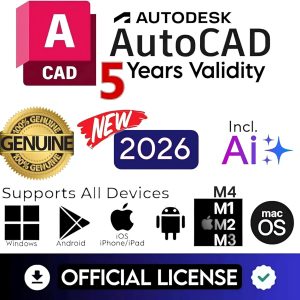
322 reviews for AutoDesk All Apps (Official License) (For all Devices Windows, macOS, Android, iOS, Linux) 2018 to 2026 All Versions (3 Devices, 1-5 Year Subscription)